













Description
Highlights:
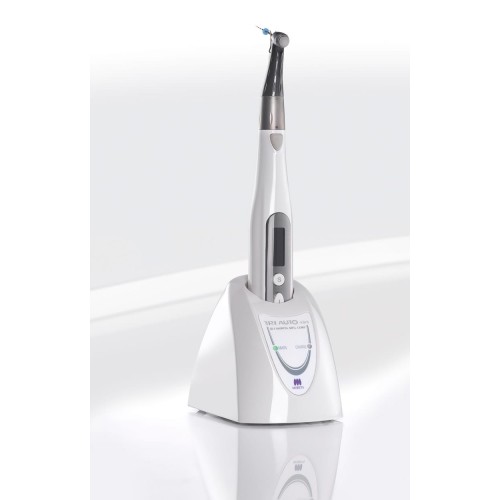
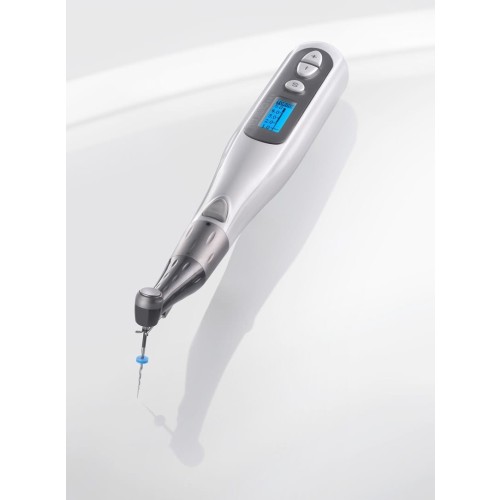
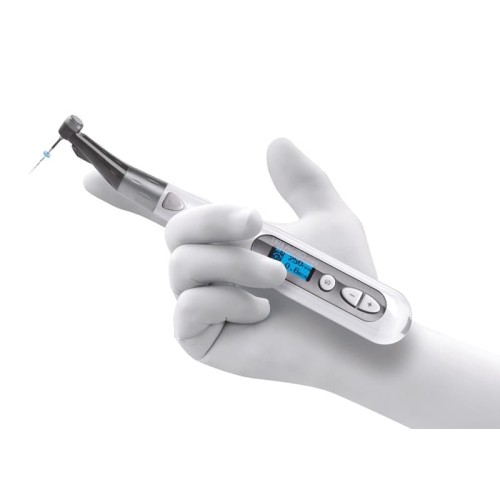
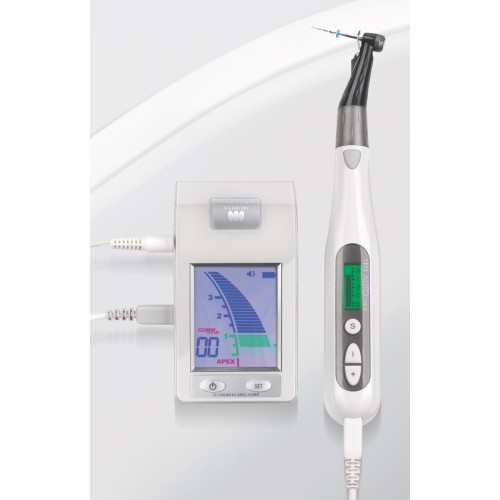
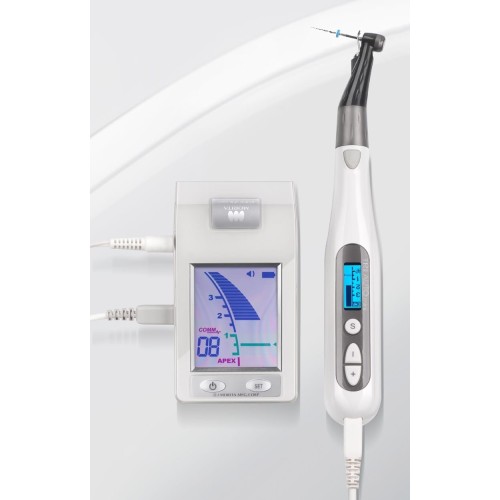
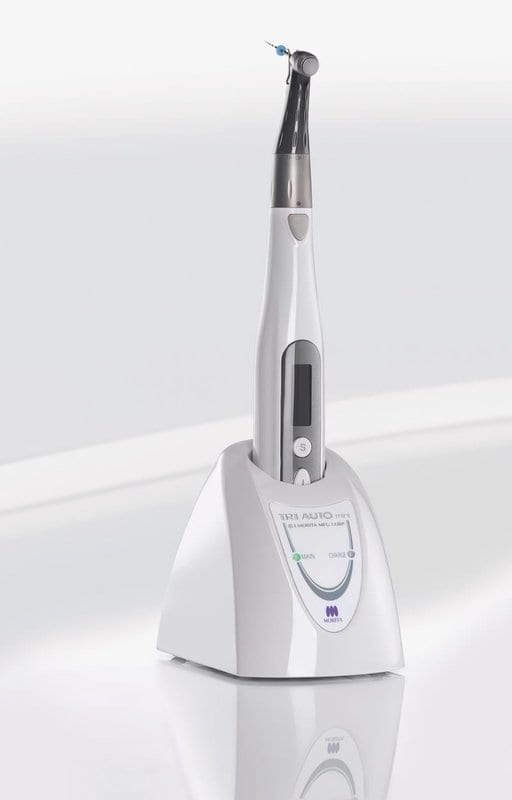
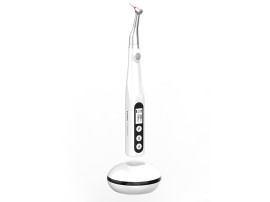
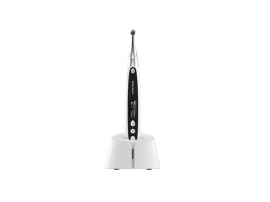
The TriAuto mini endodontic motor is, with its compact and well-engineered design, very small and very light. With this handpiece the dentist can work as subtly and sensitively as when using a manual file, while the device’s numerous automatic functions see to it that its files do not block or break.
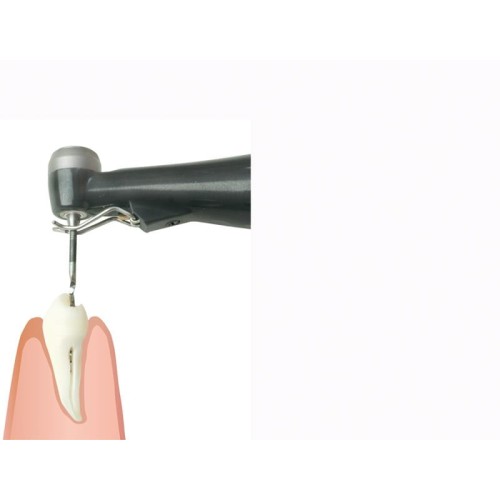
The small head allows for easy access to posterior teeth with the ability to view both the canal openings and the pulpa floor during instrumentation.
Small head for excellent visibility
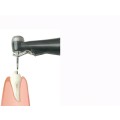
The head is only 9 mm in diameter making it easy to use and ideal for canal treatment. Its slim design allows for easy access to posterior teeth with the ability to view directly of the treatment field.
Small head for a better view – by comparison:
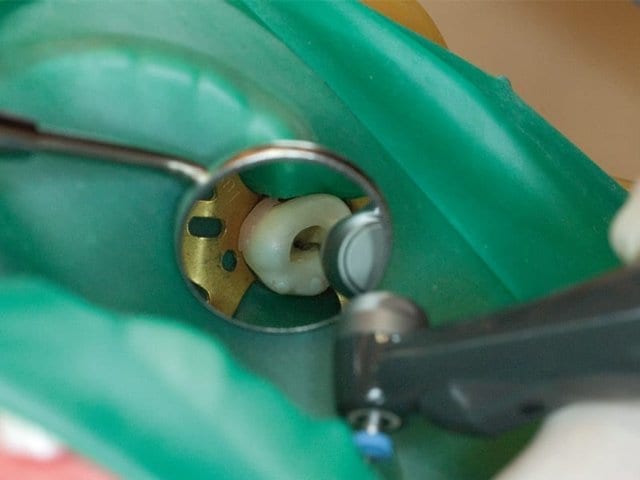
TriAuto mini
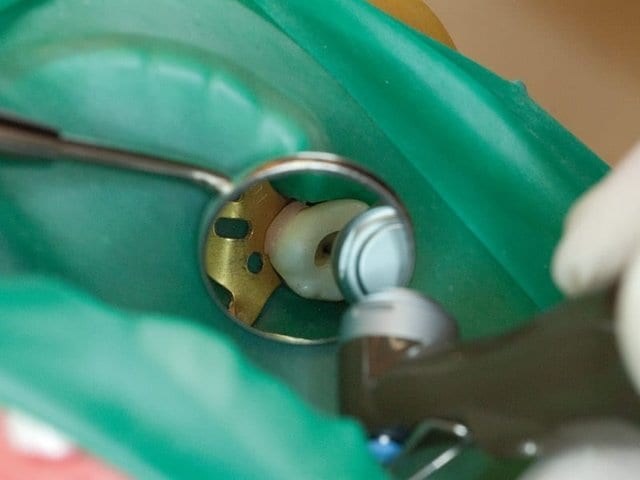
TriAuto ZX
Automatic Controls and Settings
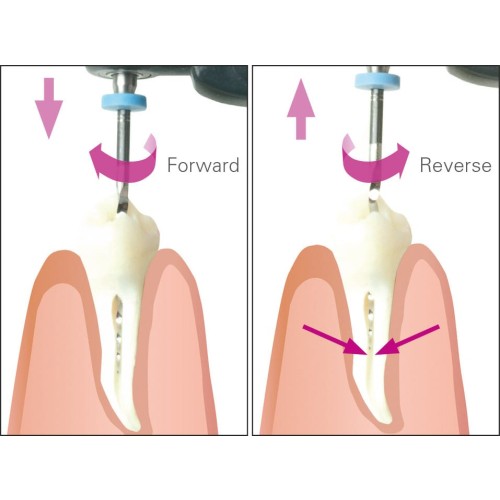
The TriAuto mini offers automatic controls for speed, rotation direction and torque that significantly increase the accuracy and safety of root canal treatment.
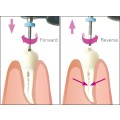
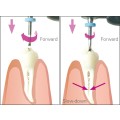
- Rotation Direction: Forward and Reverse
- Torque Reverse: 9 Torque Reverse settings
- Auto Controls: Auto Torque Reverse and Auto Torque Slow-down
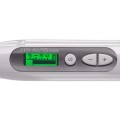
- Easy to read LCD display – also suitable for left-handed user
The user can easily read off scales, figures and letters from the clear and simple display screen. If the user is left-handed, the display can also be reversed for their convenience.
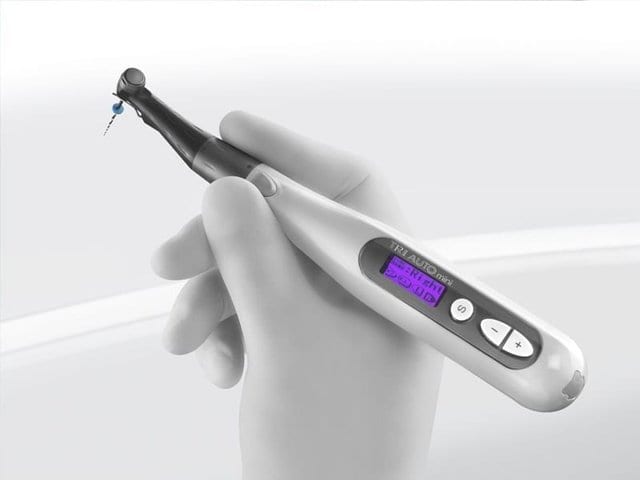
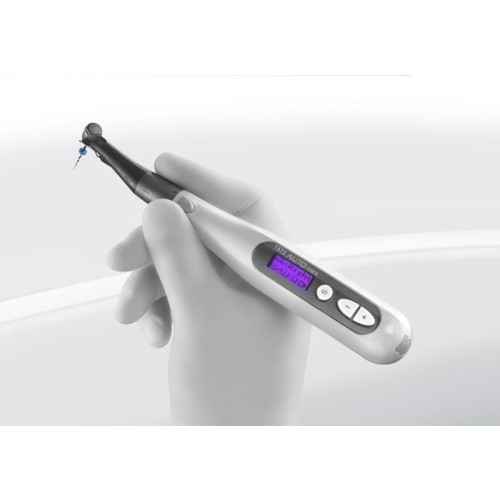
TriAuto mini lies comfortably in the hand
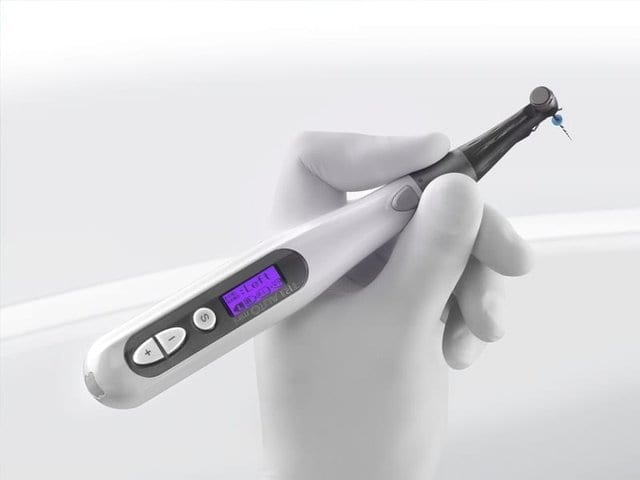
Also suitable for the left-handed
Backlight color identifies current conditions
The LCD display has a backlight to make it easy to read.
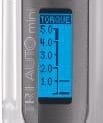
Low Torque
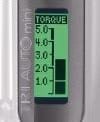
High Torque
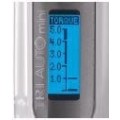
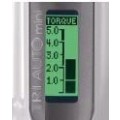
Backlight color indentifies high and low Torque Loads
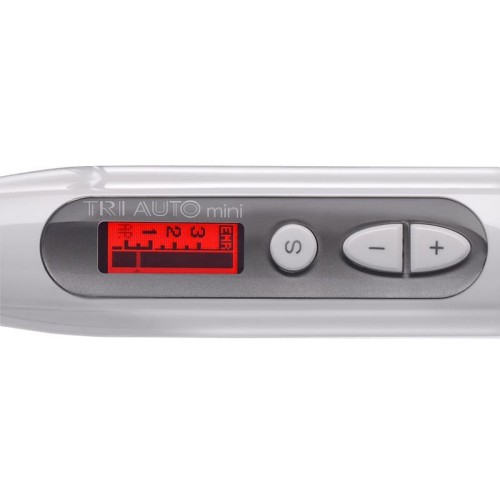
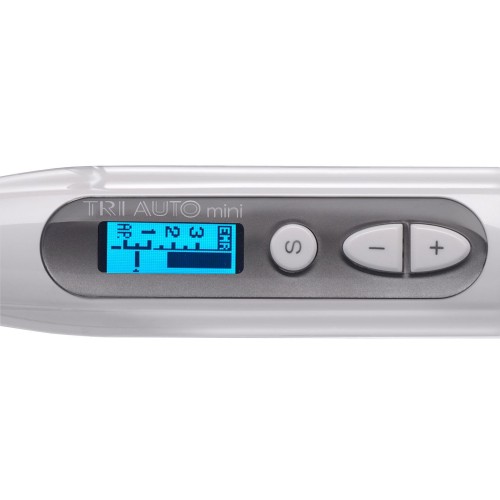
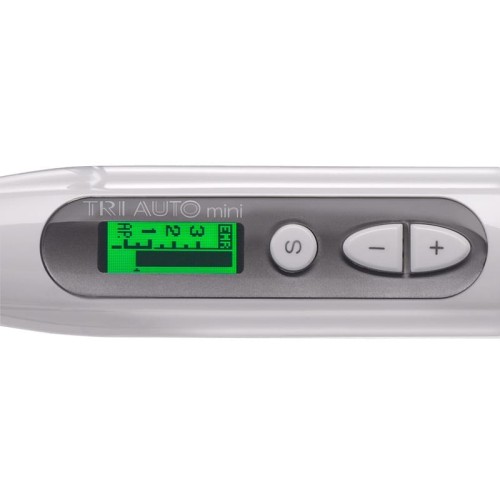
Changes in torque are not only shown with a meter, but can also be identified by a change in the color of the backlight. As torque increases, the color of the backlight changes from blue to green to red so that you can get a general reading with a quick glance. Also, the backlight flashes when torque reaches the set level.
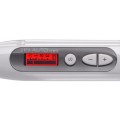
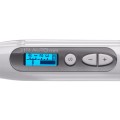
Backlight color distinguishes types of displays
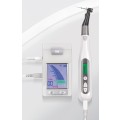
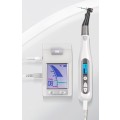
Display changes color: When linked to Root ZX mini, the display changes depending on the location of the file tip inside the canal to warn you and promote safe instrumentation.
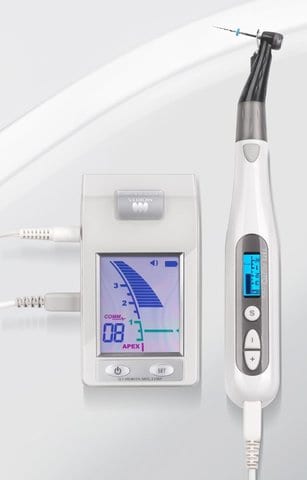
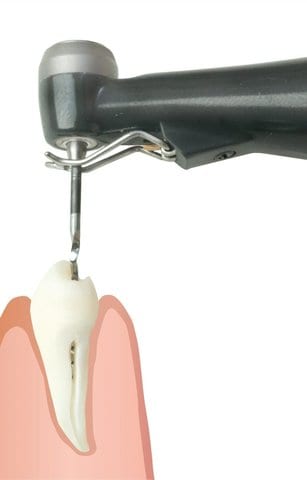
The meter for file tip location appears in the display when the file is inserted in the canal. The meter moves along with the file tip to indicate its location inside the canal.
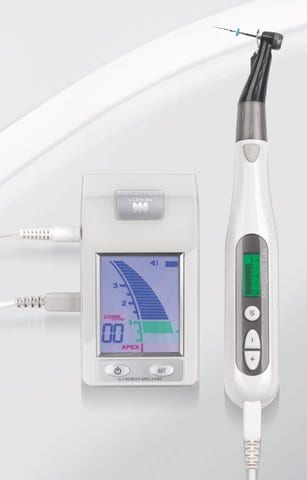
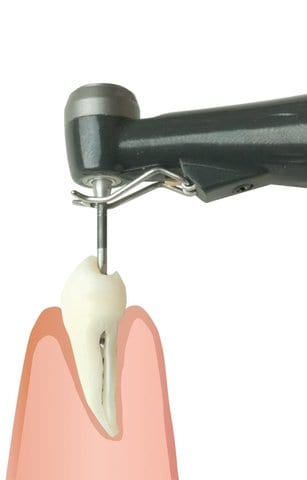
When the file reaches the apical region, the color of the display changes to green.
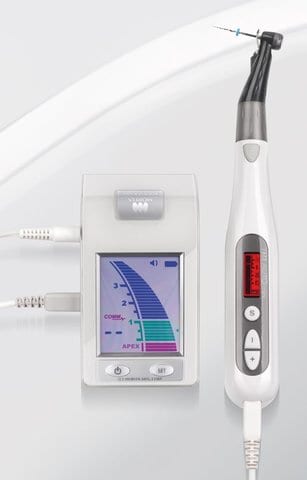
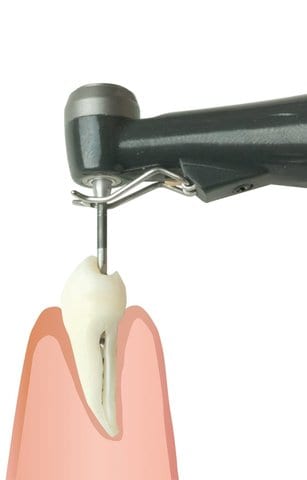
If the file tip goes beyond the apex, the color of the display changes to red.
Eleven speed settings are available from 50 rpm to 1,000 rpm. This is extremely convenient for different types of files and varying treatment needs.
The combinations for speed, torque and other settings can be programmed. Simply select one of the six memory numbers to switch from one combination to another.
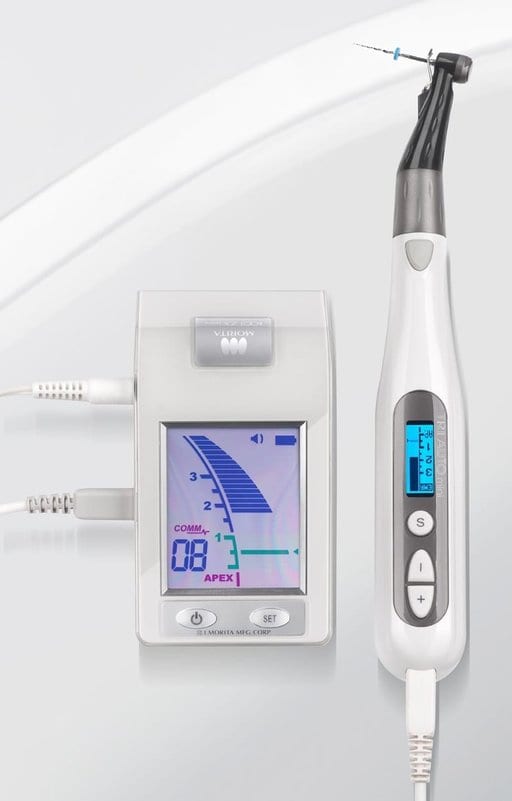
Module System – retrofit at any times
The appliance is upgraded with a measurement function if the TriAuto mini is connected to the apex locator Root ZX mini via data transfer cable. With this, safety functions are made available which prevent over-preparation.

-thumb_270.jpg)





0 Review for “Tri Auto mini | Endomotor”
5 Stars
0%
4 Stars
0%
3 Stars
0%
2 Stars
0%
1 Stars
0%